
Jak's Woolitize Image Pack v.1.2 for Stable Diffusion 1.5
Woolitize Image Pack brought to you using 117 training images (768 resolution) through 8000 training steps, 20% Training text crafted by Jak_TheAI_Artist
Gradio
We support a Gradio Web UI to run woolitize-768sd1-5:
Version history:
 v.1.0 - original model

 v.1.2 - improved detail and backgrounds using 768x768 resolution training images
Include Prompt trigger: "woolitize" to activate.
 Woolitize v1.0 (SD1.5) download file "woolitize.ckpt"

 Woolitize v1.2 (SD1.5) download file "woolitize768.ckpt"

 Woolitize (SD2.0) version: (not compatible with Automatic111 yet)
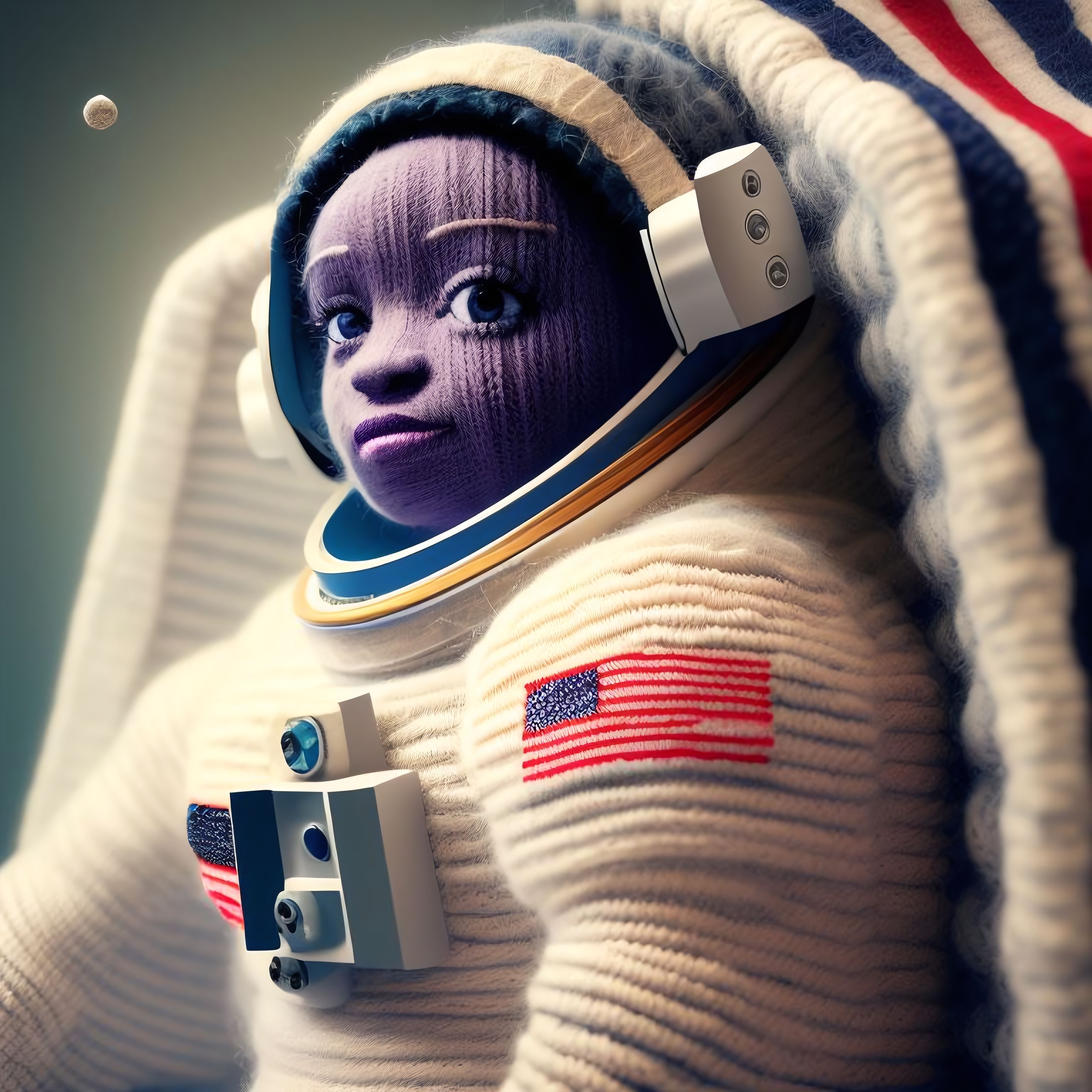
Sample pictures of this concept:


- Downloads last month
- 28